Bridging Cosmos to Polygon
 by
by 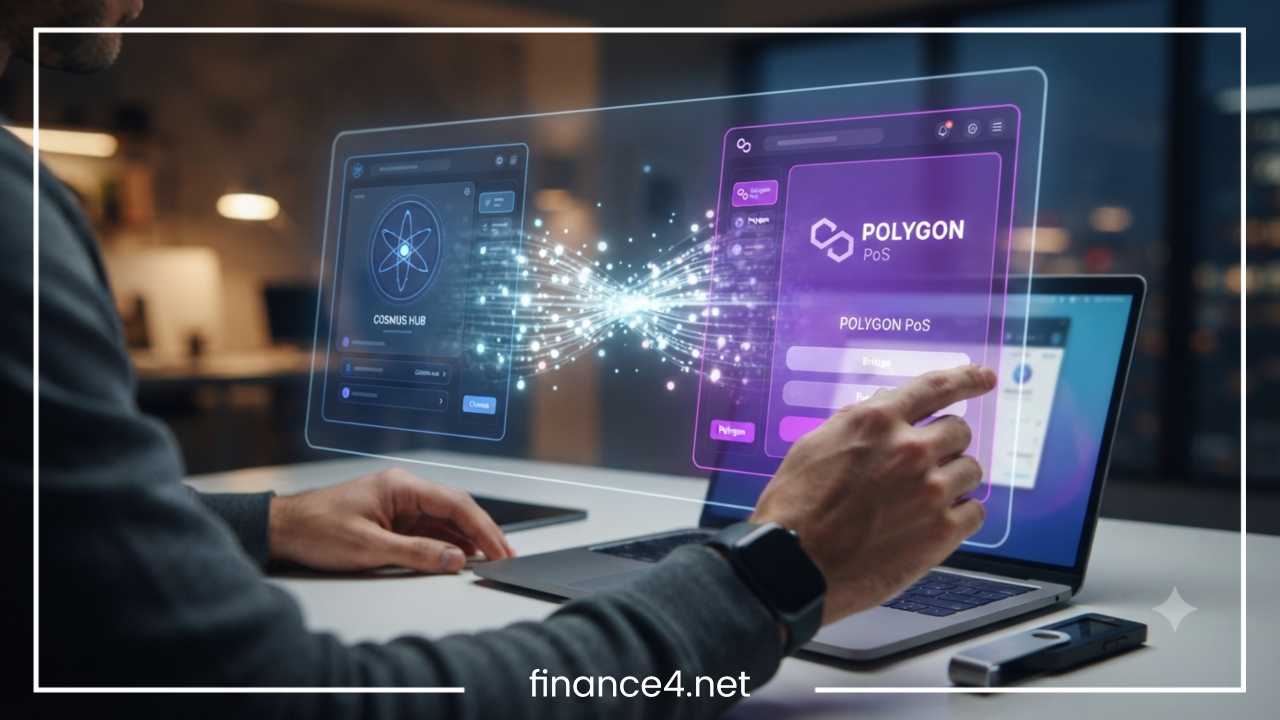
Cosmos to Polygon Bridge: Complete Step-by-Step Guide
Navigating the decentralized multi-chain landscape requires moving assets smoothly between isolated blockchain networks. For crypto participants, transferring digital assets from the Cosmos ecosystem to the Polygon network is an increasingly common requirement. Cosmos and Polygon represent two powerful yet fundamentally distinct pillars of modern blockchain infrastructure. While Cosmos functions as an interconnected web of independent, application-specific blockchains connected by the Inter-Blockchain Communication protocol, Polygon operates as a leading scaling framework designed to enhance the throughput and utility of Ethereum through high-performance execution layers.
Moving assets across these distinct environments requires specialized infrastructure known as a cross-chain bridge. A Cosmos to Polygon bridge facilitates this migration by enabling tokens locked or processed on a source chain to be represented or redeemed on the destination network. Understanding this mechanism is vital for anyone seeking to participate in decentralized finance, engage with non-fungible token marketplaces, or leverage specialized decentralized applications on Polygon using capital originally generated or held within the Cosmos ecosystem.
This comprehensive guide covers everything required to execute a seamless transfer. Readers will learn how these ecosystems operate, what tools and preparations are necessary, how to evaluate and select the right bridge protocol, a thorough step-by-step execution walkthrough, fee structures, transfer timeframes, troubleshooting strategies, and essential security practices. Before initiating any transfer, participants must note that fees, transaction speeds, and security models vary significantly depending on the chosen route, network congestion, and the specific Cosmos chain involved.
What Are Cosmos and Polygon?
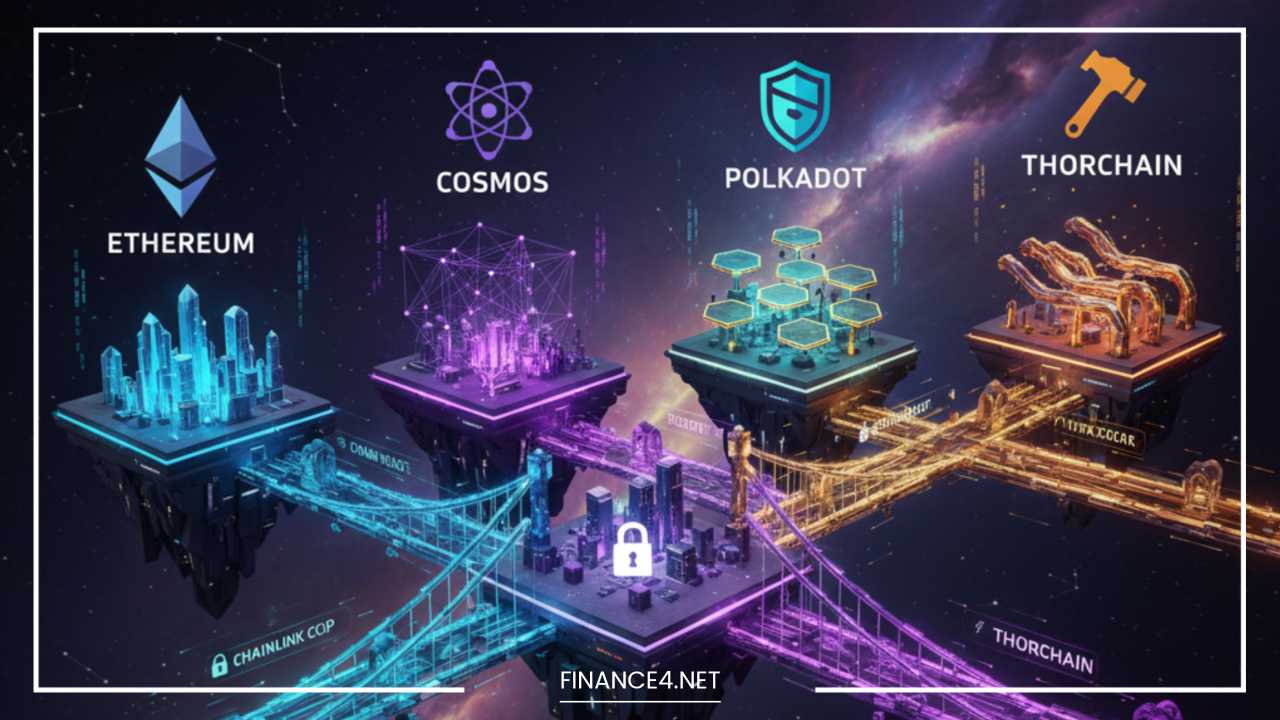
Comprehending how cross-chain transfers function begins with understanding the distinct structural architectures of both participating networks. Crucially, “Cosmos” is not a single, monolithic blockchain in the same way Polygon PoS functions. Instead, Cosmos is a decentralized network of independent, parallel blockchains built using customizable frameworks and connected via native interoperability protocols.
The Cosmos Ecosystem and Interoperability
The foundational layer of the broader ecosystem is the Cosmos Hub, alongside numerous other application-specific chains such as Osmosis, Celestia, Injective, and Secret Network. Each of these chains operates autonomously with its own validator set, consensus mechanism, and state machine. Interoperability across this modular network is primarily achieved through the Inter-Blockchain Communication protocol. This standard protocol allows independent chains to securely exchange messages, data, and tokens directly without relying on centralized intermediaries. Because of this architecture, a user holding assets within the Cosmos environment may actually be interacting with a specific zone or app-chain rather than a unified global ledger, making the exact origin chain a critical factor when executing external transfers.
Polygon and Ethereum Scaling
In contrast, Polygon functions as a robust scaling ecosystem designed to alleviate congestion and reduce transaction costs on Ethereum. The flagship Polygon Proof of Stake network provides full Ethereum Virtual Machine compatibility, allowing developers to deploy standard smart contracts and decentralized applications with high throughput and minimal friction. Users frequently bridge external assets to Polygon to access its vibrant decentralized finance markets, lending protocols, yield farms, and high-speed trading environments without paying prohibitive base-layer Ethereum gas fees. Moving assets from the varied chains of the Cosmos network into this EVM-compatible environment bridges two entirely different technological paradigms.
What Is a Cosmos to Polygon Bridge?
A cross-chain bridge is a protocol or set of smart contracts that enables the transfer of data, tokens, and state information between economically and technologically isolated blockchain networks. Because Cosmos-based chains and Polygon utilize entirely different consensus algorithms, address formats, and virtual machines, tokens cannot be sent directly from a Cosmos chain address to a Polygon address through standard native transactions.
Asset Representation and Transfer Mechanics
To bridge assets across these networks, protocols typically employ one of two primary architectural models: lock-and-mint or burn-and-release. In a lock-and-mint model, the user deposits their original Cosmos asset into a secure smart contract or multi-signature vault on the source chain, where it is locked in escrow. Once the deposit is cryptographically verified by the bridge network or its validators, an equivalent amount of a wrapped or bridged representation of that asset is minted and released to the user’s destination wallet on Polygon. Conversely, when bridging back, the wrapped tokens are burned on Polygon, triggering the release of the original native assets from escrow on the Cosmos source chain.
The Intermediary Role
Because direct, native atomic swaps between Cosmos app-chains and the Polygon network are technically complex, most bridging routes rely on decentralized validator networks, relayer nodes, or liquidity network protocols. These intermediary systems monitor events on both chains, verify transactions, and authorize the release of funds on the destination network. A conceptual data path moves as follows: the user initiates a transaction from a specific Cosmos chain, the bridge protocol processes and verifies the state change through a relayer network, the destination network receives the verification, and the assets are credited to the user’s Polygon wallet.
What You Need Before Bridging
Proper preparation prevents costly errors, stuck transactions, and potential loss of funds. Before initiating any transfer across networks, assemble a complete operational checklist of required tools and verifications.
Essential Checklist Items
-
Cosmos-Compatible Wallet: A secure, self-custody wallet that supports the specific Cosmos chain holding your assets, such as Keplr or Leap.
-
Polygon-Compatible Wallet: A secure EVM-compatible wallet that supports the Polygon network, such as MetaMask or Rabby.
-
The Source Asset: The specific token you intend to bridge, held within your Cosmos-compatible wallet.
-
Sufficient Balance for Fees: Native tokens on the source Cosmos chain to pay for initial network gas fees, alongside native Polygon tokens to pay for subsequent transaction gas on the destination network.
-
Correct Destination Network Configuration: Ensure your EVM wallet is properly configured with the correct Polygon network parameters, including chain ID and RPC endpoints.
-
A Supported Bridge Protocol: A thoroughly vetted, reputable cross-chain bridge that actively supports the exact Cosmos chain and token combination you wish to transfer.
-
Stable Internet Connection: Uninterrupted connectivity to prevent session timeouts during cryptographic signing.
-
Wallet Address Verification: Double-checked, accurate destination addresses that you fully control.
Users must never attempt to send tokens directly from a Cosmos address to a Polygon exchange or wallet address using standard native transfers unless the specific asset and receiving platform explicitly support that exact cross-chain deposit method. Doing so will result in permanent loss of funds because the underlying ledger technologies cannot recognize or credit mismatched address formats.
How to Choose a Cosmos to Polygon Bridge
Selecting the appropriate bridge protocol is one of the most critical decisions in the cross-chain journey. Not all bridges support every Cosmos chain, token, or destination environment. Evaluating protocols requires a methodical comparison of several core factors.
Evaluation Factors
-
Supported Cosmos Chains: Verifying whether the bridge connects your specific source app-chain (such as Osmosis or the Cosmos Hub) to Polygon.
-
Supported Tokens: Ensuring the exact token ticker and contract standard are supported for transfer.
-
Bridge Security Model: Examining whether the bridge relies on decentralized validators, optimistic verifications, multi-signature committees, or centralized custody.
-
Liquidity and Slippage: Checking available pool liquidity to prevent severe price impact or transfer failures during large-volume swaps.
-
Fee Structure: Analyzing network gas fees, protocol fees, and relayer charges.
-
Transaction Speed: Understanding the expected settlement time from initiation to final credit.
-
Wallet Compatibility: Confirming that the bridge supports your specific browser extension or mobile wallets.
-
Transfer Limits: Reviewing any enforced minimum or maximum transfer thresholds.
| Factor | Why It Matters |
| Supported Chains | Determines whether your specific Cosmos asset can be transferred directly to Polygon. |
| Supported Tokens | Not every Cosmos token can be bridged through every protocol; compatibility varies. |
| Fees | Directly affects the total net amount received after all network and protocol deductions. |
| Liquidity | Low liquidity pools can significantly increase slippage and cause transaction failures. |
| Security | Determines exposure to smart-contract exploits, validator collusion, or bridge downtime. |
| Speed | Dictates how long you must wait for final settlement on the destination network. |
| Wallet Support | Determines whether you can seamlessly connect your preferred self-custody wallets. |
How to Bridge Cosmos to Polygon Step by Step
Executing the transfer requires careful execution across multiple distinct stages. Follow this detailed procedural walkthrough to move assets securely from the Cosmos ecosystem to Polygon.
Step 1: Select a Compatible Bridge
Navigate to the official website of your chosen cross-chain bridge. Always verify the URL through official documentation, trusted bookmarks, or verified community channels to avoid phishing scams. Confirm that the interface clearly lists your specific Cosmos source chain as the origin and Polygon as the destination network.
Step 2: Connect Your Cosmos Wallet
Click the connect wallet button on the bridge interface and select your Cosmos-compatible browser extension wallet, such as Keplr or Leap. Approve the connection request within your wallet prompt. Verify that the wallet interface displays the correct Cosmos chain and that your asset balance is visible.
Step 3: Connect Your Polygon Wallet
Locate the destination network selection area within the bridge interface. Select Polygon and connect your EVM-compatible wallet, such as MetaMask. Approve the connection request and verify that your wallet is actively set to the Polygon network, confirming that the destination address matches your intended receiving account.
Step 4: Select the Asset
Choose the specific token you wish to transfer from the drop-down asset menu. Pay close attention to whether the token is classified as native, wrapped, or bridged. Confirm that the token contract or network identifier matches the asset you currently hold in your Cosmos wallet.
Step 5: Enter the Amount
Input the desired transfer quantity into the amount field. Review the interface indicators displaying your available balance, estimated network fees, bridge fees, expected slippage, minimum transfer limits, and the estimated net amount you will receive in your Polygon wallet.
Step 6: Review the Transaction
Before confirming, conduct a thorough manual audit of all transaction parameters. Verify the source network, destination network, token type, transfer amount, destination wallet address, itemized fee breakdown, and estimated arrival time to ensure absolute accuracy.
Step 7: Approve and Confirm
Click the transfer or bridge execution button. Your Cosmos wallet will prompt you to review and sign the transaction. Carefully examine the prompt details before signing. Never share your seed phrase, private keys, or recovery passwords with any application, interface, or support representative under any circumstances.
Step 8: Wait for Confirmation
Once signed, the transaction enters the cross-chain pipeline. The workflow typically proceeds through several stages: the source transaction is finalized on the Cosmos chain, the bridge relayer network processes the event, cross-chain attestation occurs, and the destination transaction is broadcast to the Polygon network. Monitor the progress using the bridge’s transaction tracker.
Step 9: Add or Import the Token on Polygon
Check your Polygon wallet to see if the bridged token automatically appears in your asset list. If the token balance does not populate automatically, you will need to import the official token contract address manually. Obtain this contract address exclusively from verified documentation or official bridge lists to avoid counterfeit tokens.
Step 10: Verify the Funds
Perform a final verification by checking your Polygon wallet balance. You can also paste your Polygon wallet address into a reputable blockchain explorer like Polygonscan to confirm that the transaction status reads as successful and that the correct token amount is securely credited to your account.
Understanding Bridge Fees
Bridging assets across distinct network architectures involves multiple cost components rather than a single flat charge. Understanding these expenses ensures you maintain adequate funds throughout the process.
Breakdown of Cost Components
-
Cosmos Network Transaction Fee: Paid in the native token of the source Cosmos chain to cover validator processing costs for locking or burning the initial asset.
-
Bridge Protocol Fee: A percentage or fixed fee charged by the bridge operator for maintaining relayer infrastructure and liquidity pools.
-
Relayer Fee: In some architectures, a fee allocated to independent actors who submit cryptographic proof of your deposit to the destination chain.
-
Polygon Gas Fee: Paid in native Polygon tokens to execute the final smart-contract minting or transfer transaction on the destination network.
-
Liquidity or Swap Fee: Incurred if the bridge automatically swaps your asset into an intermediary token during transit.
-
Slippage: The difference between the expected price of a trade or transfer and the execution price, often driven by pool depth.
Example Cost Calculation
Consider a transfer where a user sends an asset:
-
Starting amount sent: 1,000 tokens
-
Minus Cosmos network transaction fee: − 0.05 tokens
-
Minus Bridge protocol fee: − 2.00 tokens
-
Minus Swap or liquidity costs: − 1.00 token
-
Equals approximate amount received on Polygon: 996.95 tokens
Fees fluctuate dynamically depending on bridge protocol policies, current network congestion on both source and destination chains, transaction size, and overall market demand.
How Long Does Cosmos to Polygon Bridging Take?
Transfer times vary significantly because cross-chain bridging relies on multiple sequential block confirmations across entirely different consensus mechanisms. There is no single universal transfer duration.
Influencing Factors
-
Cosmos Source-Chain Confirmation Time: The block time of the specific origin app-chain, which is typically rapid but varies by network.
-
Bridge Architecture Design: Whether the bridge uses optimistic validation windows, threshold signatures, or instantaneous liquidity networks.
-
Relayer Processing Latency: The time required for off-chain relayer nodes to detect the source event and submit proofs to the destination network.
-
Validator Attestation Requirements: The number of block confirmations required by the bridge security committee before releasing funds.
-
Polygon Network Congestion: The time required for the Polygon network to sequence and validate the final destination transaction.
While some advanced liquidity-based bridges settle transactions within a few minutes, others requiring full cryptographic proof verification across decentralized consensus layers may take anywhere from ten to thirty minutes or longer during periods of heavy network congestion.
Troubleshooting Common Bridge Problems
Encountering delays or unexpected errors during cross-chain transfers can be stressful. Systematic troubleshooting helps diagnose and resolve most issues safely.
Specific Problem Scenarios
-
Transaction is Pending: If a transaction remains stuck in a pending state, check the source chain block explorer using the transaction hash to confirm whether it succeeded locally. Check the bridge status page for service interruptions. Never submit repeated transactions without verifying the status of the first transfer to avoid accidental double-spending or duplicate fees.
-
Funds Have Not Appeared on Polygon: Confirm that the source transaction completed successfully. Verify that the destination wallet address was entered correctly. Check whether the token contract needs to be manually imported into your EVM wallet. Ensure your wallet interface is actively connected to the correct Polygon network rather than an alternative chain.
-
Transaction Failed: If a transaction fails on the source chain, review the error logs to determine if funds were automatically returned to your wallet. If funds remain locked due to a bridge failure, consult the bridge documentation or official support portal and submit a support ticket providing your exact transaction hash.
-
Token Does Not Show in Wallet: Verify the official token contract address from a trusted source and manually import it into your Polygon-compatible wallet. Ensure you are viewing the Polygon network profile within your wallet extension.
-
Insufficient Gas Errors: Ensure you hold sufficient native gas tokens on the respective network. Note that you cannot typically use a bridged token itself to pay for transaction fees without first swapping it for the native gas asset.
Security: How to Bridge Cosmos to Polygon Safely
Cross-chain bridges represent high-value targets for malicious actors. Maintaining rigorous security hygiene is essential to protecting digital assets during every transfer.
Essential Security Practices
-
Use Official URLs Only: Always bookmark legitimate bridge web addresses and verify domain spellings carefully to avoid sophisticated phishing campaigns.
-
Protect Sensitive Credentials: Never share your seed phrases, private keys, or recovery passwords with anyone under any circumstances. Legitimate support staff will never request these details.
-
Audit Smart-Contract Approvals: Review token spending permissions carefully when connecting wallets. Revoke unnecessary approvals using trusted allowance checkers after completing your transfer.
-
Verify Token Contracts: Cross-check contract addresses against official documentation before importing tokens into your wallet to avoid interacting with counterfeit assets.
-
Beware of Fake Support Accounts: Ignore unsolicited direct messages on social media platforms offering technical assistance or wallet synchronization links.
-
Use Hardware Wallets: For transferring significant sums, utilize a hardware wallet connected to your software interface to add an extra layer of physical signing security.
-
Conduct Test Transactions: When using a bridge for the first time or transferring large amounts, execute a small test transaction with a minimal amount first to ensure the entire pipeline functions correctly.
Distinguish clearly between wallet security and bridge security: safeguarding your private keys protects your local device, while evaluating bridge security protects your funds from smart-contract vulnerabilities and protocol-level exploits.
Native vs. Wrapped Assets on Polygon
A frequent point of confusion for cross-chain participants is understanding the technical nature of assets after they arrive on a destination network.
Understanding Asset Representations
When a token is bridged from a Cosmos chain to Polygon, it is rarely the identical native token operating on its original ledger. Instead, the asset arriving in your Polygon wallet is typically a wrapped or bridged representation issued by the bridge protocol’s smart contracts, backed by the original tokens locked in escrow on the source chain.
Why Verification Matters
Because wrapped assets carry distinct smart-contract risks and rely on the security of the bridge itself, two tokens with identical tickers may have different underlying security profiles and liquidity depths. Users should always verify token contract addresses on Polygon to ensure they are holding the legitimate, bridge-backed representation associated with their chosen protocol, rather than an unbacked counterfeit token created with the same name.
What to Do After Your Tokens Arrive on Polygon
Once your assets successfully land in your Polygon wallet, several logical next steps can help you utilize them effectively while maintaining proper asset hygiene.
Recommended Post-Transfer Actions
-
Verify Balances: Confirm that the credited amount matches your calculations after accounting for bridge and network fees.
-
Confirm Token Contracts: Ensure the imported token contract address matches official registry listings.
-
Execute Swaps if Necessary: Exchange your bridged tokens for other decentralized finance assets on Polygon if required for your strategy.
-
Engage with dApps: Utilize Polygon-native decentralized applications, lending markets, or liquidity pools according to your financial objectives.
-
Maintain Gas Reserves: Always retain a small balance of native Polygon tokens in your wallet to cover future transaction fees.
-
Keep Records: Document transaction hashes and transfer amounts for your personal financial tracking and record-keeping purposes.
Cosmos to Polygon Bridging Checklist
-
Correct Cosmos source chain verified and selected
-
Correct token type and ticker confirmed
-
Legitimate, verified bridge protocol website opened
-
Correct Polygon network configured in your EVM wallet
-
Accurate destination wallet address double-checked
-
All transaction fees and slippage parameters reviewed
-
Official token contract address verified before importing
-
Transaction signed and confirmed via secure self-custody wallet
-
Funds successfully visible and verified in your Polygon wallet
Final Thoughts
Bridging assets from the Cosmos ecosystem to the Polygon network is a multi-step cross-chain process that requires careful attention to detail, proper network preparation, and rigorous security practices. Because Cosmos comprises an interconnected web of independent app-chains rather than a single ledger, selecting the appropriate bridge protocol, verifying asset representations, and accounting for itemized fee structures are essential for a successful transfer. By following established safety guidelines, double-checking contract addresses, and maintaining adequate gas reserves across both networks, participants can navigate the multi-chain environment efficiently and unlock the full utility of their digital assets on Polygon.
Frequently Asked Questions
What is the fastest way to bridge tokens from Cosmos to Polygon?
The fastest transfer method depends on the specific bridge protocol and current network congestion. Liquidity-based bridges that use automated market maker routing or decentralized validator networks typically settle transactions within five to fifteen minutes. Users must ensure they have sufficient native gas tokens on both the source Cosmos chain and the destination Polygon network to prevent transaction bottlenecks during processing.
Can I transfer any Cosmos token directly to my Polygon wallet?
No, not every token in the Cosmos ecosystem is supported by every cross-chain bridge. Compatibility depends on whether the bridge protocol maintains active liquidity pools or routing paths for your specific source app-chain and token standard. Always verify token support on the official bridge interface before initiating any transfer.
Why do I need native Polygon tokens if I am bridging assets from Cosmos?
Bridging assets results in tokens being minted or released on the Polygon network, but executing subsequent transactions, swaps, or interactions with decentralized applications on Polygon requires paying network gas fees in native Polygon tokens. Bridged tokens themselves cannot typically be used directly to pay for these destination gas fees without an initial swap.
What should I do if my bridged tokens do not appear in my Polygon wallet?
If a transaction shows as successful on the blockchain explorer but the funds are not visible in your wallet, the token contract likely needs to be imported manually. Obtain the official token contract address from verified documentation or the bridge’s official asset list, open your EVM-compatible wallet, select the option to import tokens, and paste the exact contract address to view your balance.
How can I verify that a Cosmos-to-Polygon bridge website is legitimate?
Protecting your funds from phishing campaigns requires navigating exclusively to bookmarked, verified URLs obtained from official documentation, trusted community channels, or official project documentation. Never click on sponsored search engine ads for bridge platforms, and never share your seed phrase, private keys, or recovery passwords with any web interface or support representative.